This guide covers practical strategies to secure your remote workforce. You’ll learn how to protect devices, implement strong authentication, and create policies that keep your organization safe.
Why Endpoint Security Is Critical for Remote Teams
Every device that connects to your company network represents a potential entry point for cybercriminals. Remote work cybersecurity
becomes complex when employees use personal networks, share devices with family members, or work from various locations.
A single compromised device can expose sensitive customer data, intellectual property, and financial information. The cost of a data breach extends beyond immediate financial losses to include regulatory fines, legal fees, and damaged reputation.
Risks of Remote Work Environments
Working outside the corporate firewall exposes teams to unique threats. Home networks often lack enterprise-grade security controls. Employees may use outdated routers with default passwords or connect through unsecured public networks.
Physical security also becomes a concern. Devices left unattended in coffee shops or co-working spaces can be stolen or accessed by unauthorized individuals. Family members using work devices may accidentally download malware or visit compromised websites.
Remote workers face increased phishing attempts and social engineering attacks. Without IT staff nearby, employees may fall victim to scams like The Microsoft Account Team Email Scam, where attackers impersonate legitimate services to steal credentials.
Securing Laptops, Desktops, and Mobile Devices
Start with device hardening. Configure firewalls on all devices and disable unnecessary services. Remove administrative privileges for standard users to prevent unauthorized software installations.
Set up automatic screen locks after periods of inactivity. Require passwords to wake devices from sleep mode. These simple measures prevent unauthorized access when devices are left unattended.
Using Strong Passwords and Multi-Factor Authentication (MFA)
Passwords remain the first line of defense. Enforce minimum password requirements including length, complexity, and regular updates. Consider using passphrases instead of traditional passwords for better security and memorability.
MFA adds an important second layer of protection. Even if passwords are compromised, attackers cannot access accounts without the second authentication factor. Implement MFA for all critical applications, especially email, cloud storage, and remote access tools.
Keeping Operating Systems and Software Updated
Unpatched software creates vulnerabilities that attackers exploit. Enable automatic updates for operating systems and applications. Schedule regular maintenance windows for updates that require restarts.
Create an inventory of all software used by remote workers. Track version numbers and patch status. Prioritize updates for internet-facing applications and those handling sensitive data.
Installing Advanced Endpoint Protection (EDR)
Traditional antivirus isn’t enough for modern threats. Endpoint Detection and Response (EDR) solutions provide real-time monitoring, threat detection, and automated response capabilities. These endpoint security solutions use AI & Automation to identify suspicious behavior patterns.
EDR tools can isolate infected devices, block malicious processes, and provide detailed forensic data for incident response. Choose solutions that work across different operating systems and device types your team uses.
Using Secure VPN Connections
Virtual Private Networks encrypt data transmission between remote devices and company resources. Configure VPN clients to connect automatically when devices access the internet. This prevents data interception on unsecured networks.
Select VPN providers that offer strong encryption protocols and maintain no-logs policies. Ensure VPN servers have adequate capacity to handle your remote workforce without performance degradation.
Avoiding Public Wi-Fi Risks
Public Wi-Fi networks in cafes, airports, and hotels pose significant security risks. Attackers can intercept unencrypted traffic or create fake hotspots to steal credentials.
Train employees to verify network names with venue staff before connecting. Discourage accessing sensitive company resources over public Wi-Fi, even with VPN protection. Consider providing mobile hotspots for employees who frequently work from public locations.
Encrypting Company Data on Devices
Full-disk encryption protects data if devices are lost or stolen. Enable BitLocker on Windows devices, FileVault on macOS, or equivalent encryption on Linux systems. Store encryption recovery keys securely in case users forget passwords.
Encrypt removable media like USB drives that may contain company data. Implement policies preventing sensitive data storage on personal devices or unencrypted media.
Managing Devices with Mobile Device Management (MDM)
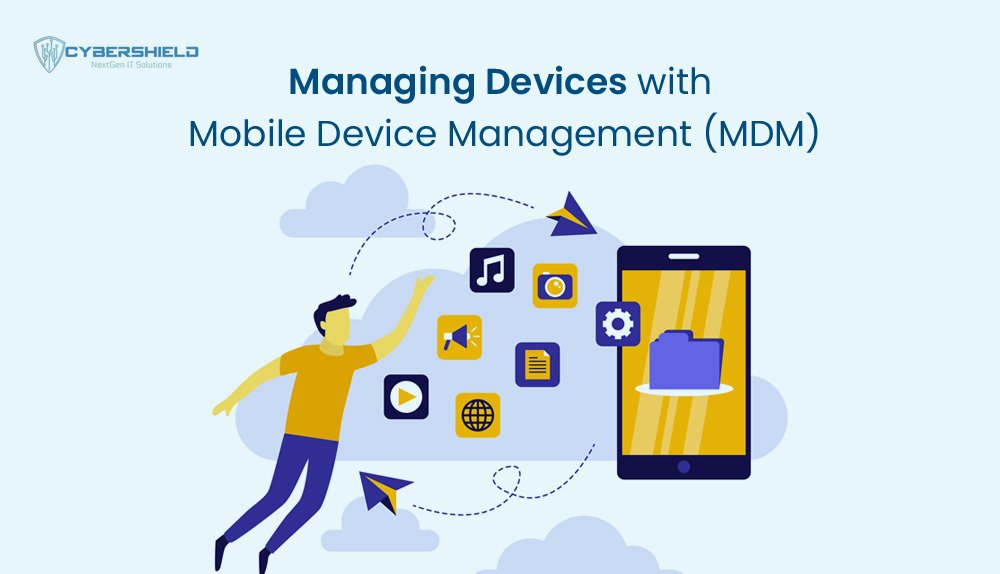
MDM solutions provide centralized control over remote devices. Administrators can enforce security policies, deploy applications, and manage device configurations remotely. This consistency reduces security gaps across your secure remote workforce.
Choose MDM platforms that support bring-your-own-device (BYOD) scenarios. Create separate work profiles on personal devices to isolate company data and applications from personal content.
Limiting Access with Role-Based Permissions
Not every employee needs access to all company resources. Implement the principle of least privilege by granting only necessary permissions for each role. Regularly review and update access rights as employees change positions.
Use identity and access management (IAM) solutions to centralize permission management. Enable detailed audit logging to track who accesses sensitive resources and when.
Monitoring Devices for Suspicious Activity
Continuous monitoring helps detect threats before they cause damage. Deploy security information and event management (SIEM) tools that aggregate logs from endpoint protection, firewalls, and applications.
Set up alerts for unusual activities like large data transfers, login attempts from new locations, or installation of unauthorized software. Managed Security Services Tailored for SMBs can provide 24/7 monitoring if internal resources are limited.
Regular Security Awareness Training for Employees
Technology alone cannot prevent all security incidents. Employees need ongoing education about current threats and safe practices. Conduct monthly training sessions covering topics like phishing recognition, safe browsing habits, and incident reporting procedures.
Make training engaging and relevant. Use real-world examples and simulate phishing attacks to test employee readiness. Reward employees who report suspicious activities or demonstrate good security practices.
Data Backup and Remote Wipe Capabilities
Regular backups protect against data loss from ransomware, hardware failure, or accidental deletion. Automate cloud backups for critical data on remote devices. Test restore procedures regularly to ensure backups work when needed.
Enable remote wipe capabilities for all company devices. If a device is lost or an employee leaves the organization, administrators can erase company data remotely. Document procedures for triggering remote wipes and ensure multiple authorized personnel can execute them.
Creating a Remote Security Policy
A written policy sets clear expectations for remote workers. Define acceptable use of company devices, required security measures, and incident reporting procedures. Include specific guidelines for:
- Password requirements and MFA usage
- VPN connection requirements
- Software installation restrictions
- Data handling and storage rules
- Personal use limitations
- Physical security requirements
Review and update policies regularly as threats evolve and technology changes. Ensure all remote workers acknowledge and agree to follow security policies.
The shift to remote work brings Environmental Benefits of Remote Shield-Based IT Management, reducing commutes and office energy consumption. However, these benefits come with increased security responsibilities. Organizations that invest in endpoint protection proven methods position themselves for long-term success in the distributed work era.
Partner with a Managed IT Services Provider to implement these security measures effectively. Professional guidance ensures you select appropriate tools, configure them correctly, and maintain ongoing protection as your remote workforce grows.
Take action today to secure your remote team. Start with a security assessment to identify gaps in your current protection. Then prioritize improvements based on risk and available resources. Your employees, customers, and stakeholders depend on your commitment to security.